

MY FAVORITES
Business Tools + Resources
I’ve been running an online business for over 10 years, and as you know, it involves a lot of trial and error when it comes to tools — or at least, it did until you found this list.
These are the platforms, subscriptions, and resources I personally use and recommend to make running a business simpler, smoother, and a lot less overwhelming.

Squarespace
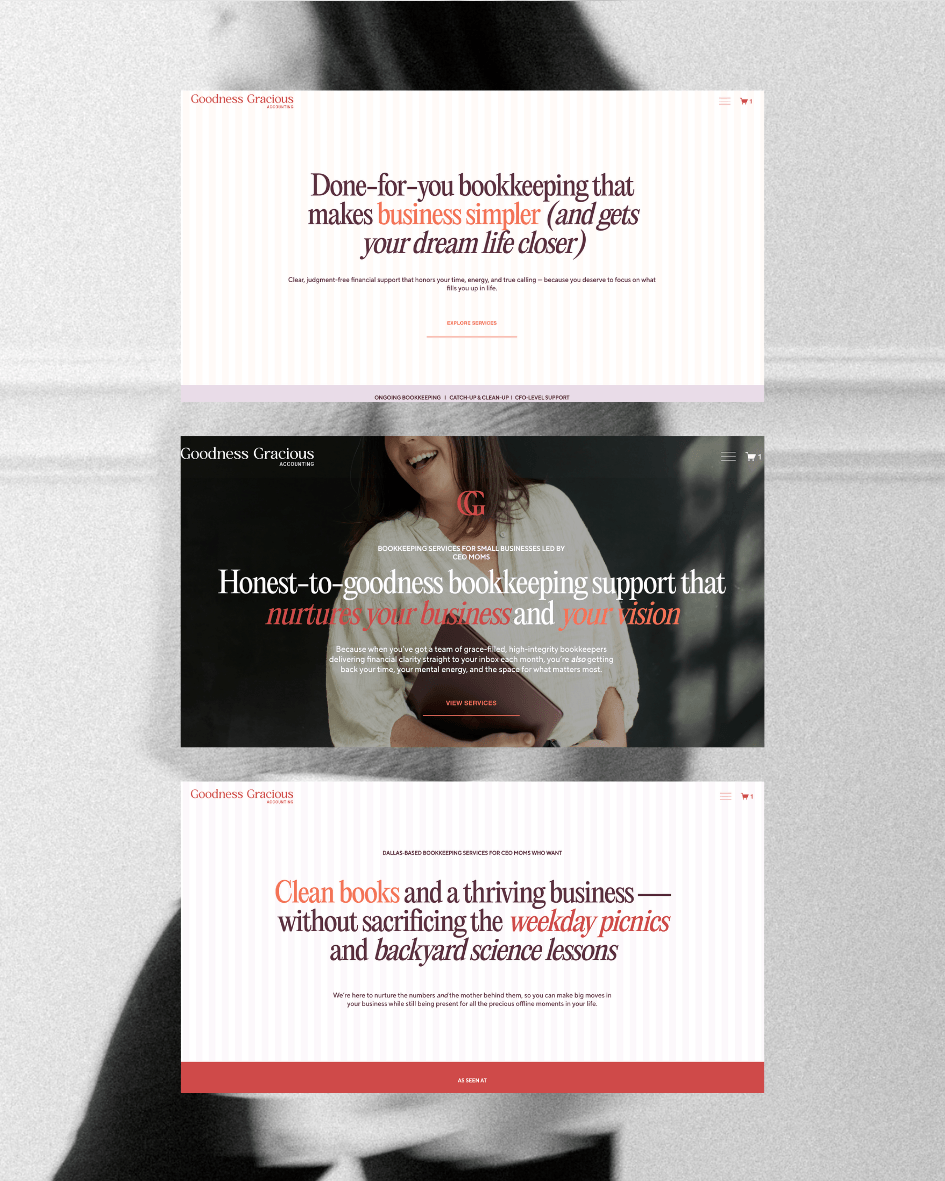
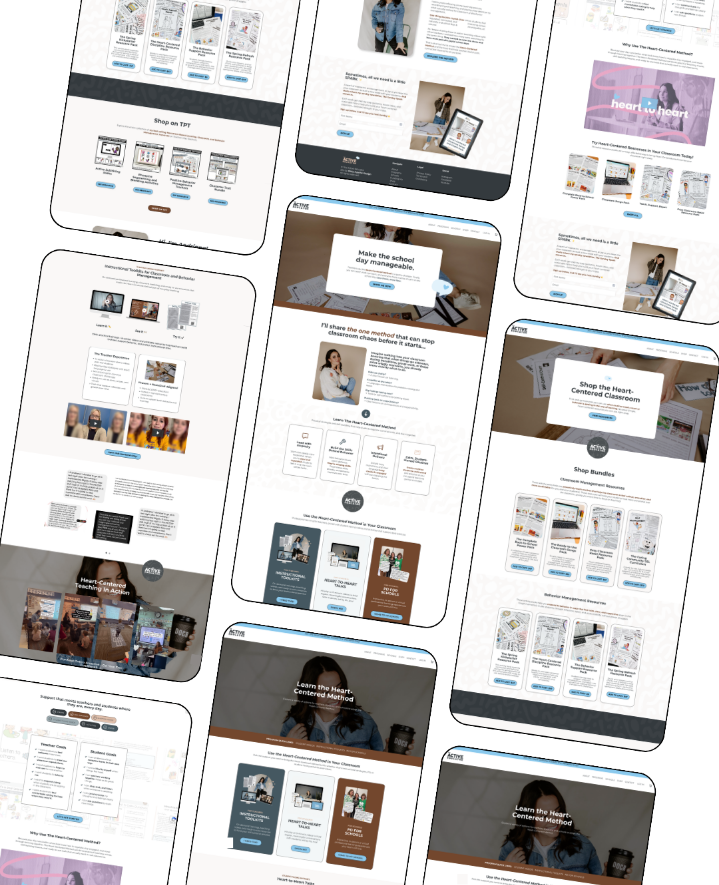
I reach for Squarespace when I’m building for entrepreneurs who need flexibility without fragility. You can customize extensively, layering in custom code for unique functionality, while still letting my clients confidently edit, duplicate pages, and adapt things without accidentally breaking the build. The visual interface makes it easy to navigate, while also giving founders a great foundation and growth opportunities. It can scale with your business (think e-commerce, courses, coaching, and communities), which is why I love building in and recommending this website platform.
Kajabi
I recommend Kajabi for coaches, educators, and course creators who need to manage everything in one place - courses, memberships, community, and client communication. It’s built specifically for that audience, so you’re not trying to pull together solutions across different platforms. The support team actually knows what they’re doing, which matters when you’re running a program. It’s a great platform for community building.
MY GO-TO COPY RECS
Free Copy Email Series
A lot of copywriters are only telling you the must-haves, but I bet you already know you need a home page. In this free email series, my friend Catie outlines the fun stuff that’ll keep the right people on your site longer and make your brand the most referable option.
Website Copy Course
I took Amy’s Cook Your Copy course when I needed to get serious about my own messaging, and it delivered! It helped me find the words that actually sound like me, not a template. If writing your own copy never feels quite right, this is the first place I’d send you.
Website Copy Templates
If you need website copy but aren’t ready for a full course, Amy’s industry-specific templates are my go-to recommendation. They take the guesswork out of structure so you can focus on actually writing, and not staring at a blank page for hours.



MY SYSTEMS STACK
Basecamp
I use Basecamp to manage every client project, and it’s one of those tools that actually gets out of your way. To-do lists in card stack format, docs, a calendar, and a chat function — all in one place, all organized by project. My favorite detail: you can clearly see exactly what your client sees versus what stays internal. No accidental oversharing, no confusion. It’s thoughtfully designed in a way that makes the whole client experience feel more intentional.
Honeybook
If you’re going to have a CRM, it should look as good as the brand you’ve built. HoneyBook is the most well-designed option I’ve found, and it works. My lead forms, automations, contracts, and invoicing all live here — and the inquiry and onboarding experience I’ve built feels seamless and on-brand from the very first touchpoint. It’s been running in the background of my business since 2020, and I don’t think about it anymore, which is exactly how it should be.
Notion
Notion is where my business actually lives. It’s part note-taking app, part Google Drive alternative, part supercharged second brain — and I use it for everything behind the scenes. Content planning, templates, saved resources, meeting notes, business documentation. If it needs to exist somewhere that isn’t a client deliverable, it’s in Notion. Once you set it up the way you think, it’s hard to imagine working without it.
MORE RESOURCES I CAN’T STOP RECOMMENDING
Name-O-Matic Custom Naming
Naming things is harder than it sounds, and Katie is the person I always suggest for help. Her Name-O-Matic is a custom GPT built around her actual naming process: creative brief, 26+ namestorming strategies, and a gut-check mode where she weighs in on your final pick. If you’re stuck on a name for anything, start here!
VEED Video Editing Tool
VEED is my go-to video editing tool for so many things. I tend to use it to create GIFs or video snippets out of reels and videos, but it can really do so much for your marketing. One of my favorite features is their AI integration that automatically finds and snips the best pieces of your long-form video.
Made for Mothers Community
If you’re looking for a virtual village for moms managing the entrepreneur life while raising littles and growing your legacy, this is one of my favorite memberships. I’ve made so many meaningful friends and business collaborators through this group, plus invaluable thought leadership opportunities.

Flodesk
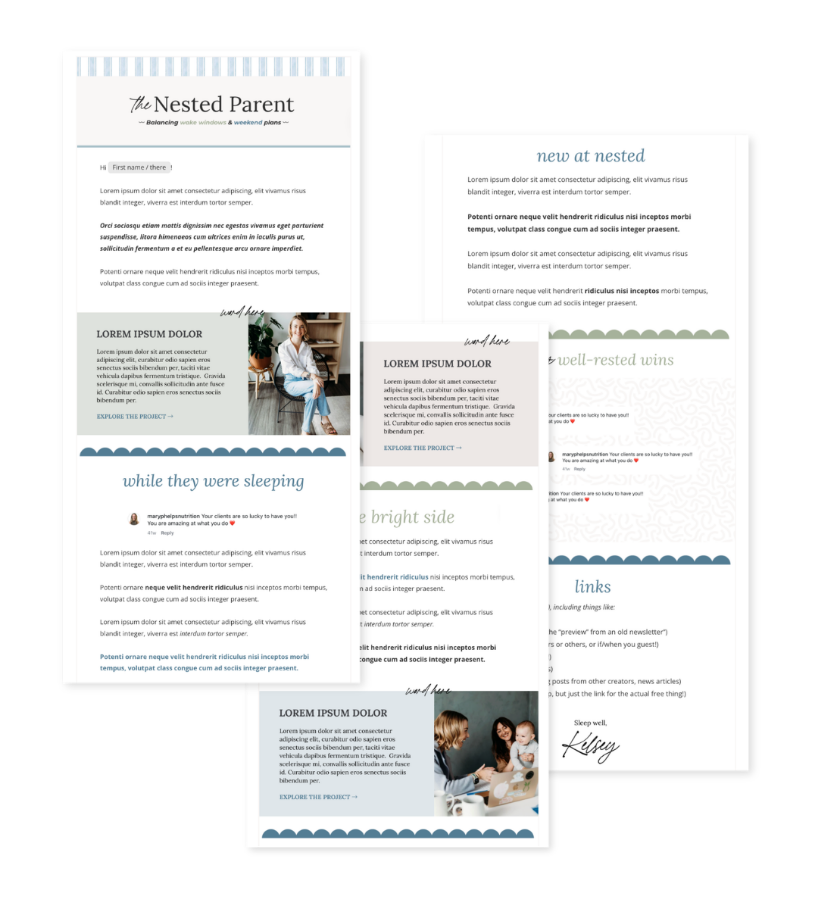
Your email list is the one corner of the internet you actually own. There’s no algorithm, no platform shutdowns, no rented space. Just you, your people, and the stories you want to share. That’s why I built an entire program around it,and why I use Flodesk for The Good List! It’s where I show up every Friday, tell the story behind the work, and stay connected to my people in a way Instagram just can’t replicate. This specific platform makes it easy to look good and sound like yourself, which matters when your emails are part of your brand. Use my link for 25% off your first year!
Want to think more clearly about your brand?
The Good List lands every Friday with one design insight you can actually use.

Note: Some of these are affiliate links, which means I may earn a small commission if you purchase through them. It doesn’t cost you anything extra, and it helps support the work I share here — so thank you!